 Plainly
Write it down.
Keep it yours.
Notes and to-do lists that live on your phone. No account, no cloud, no tracking.
Free for Android 7.0 and later. In 8 languages.
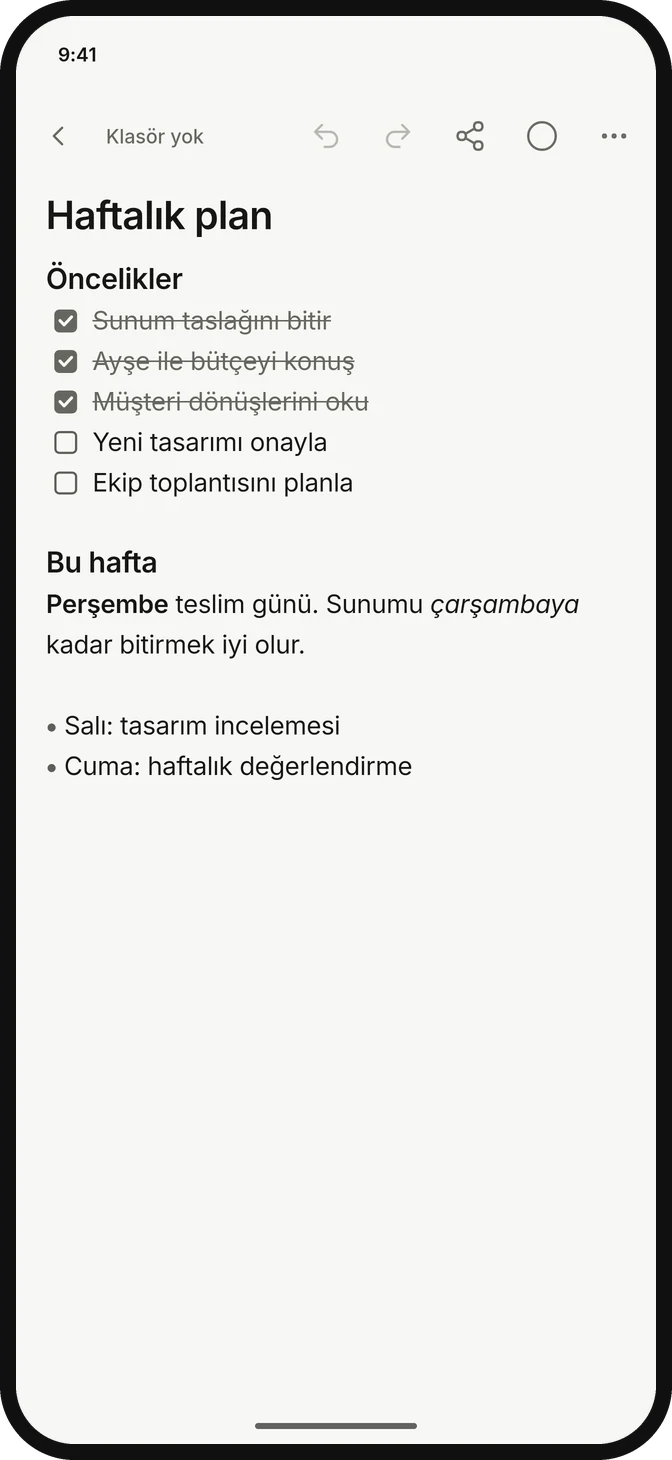
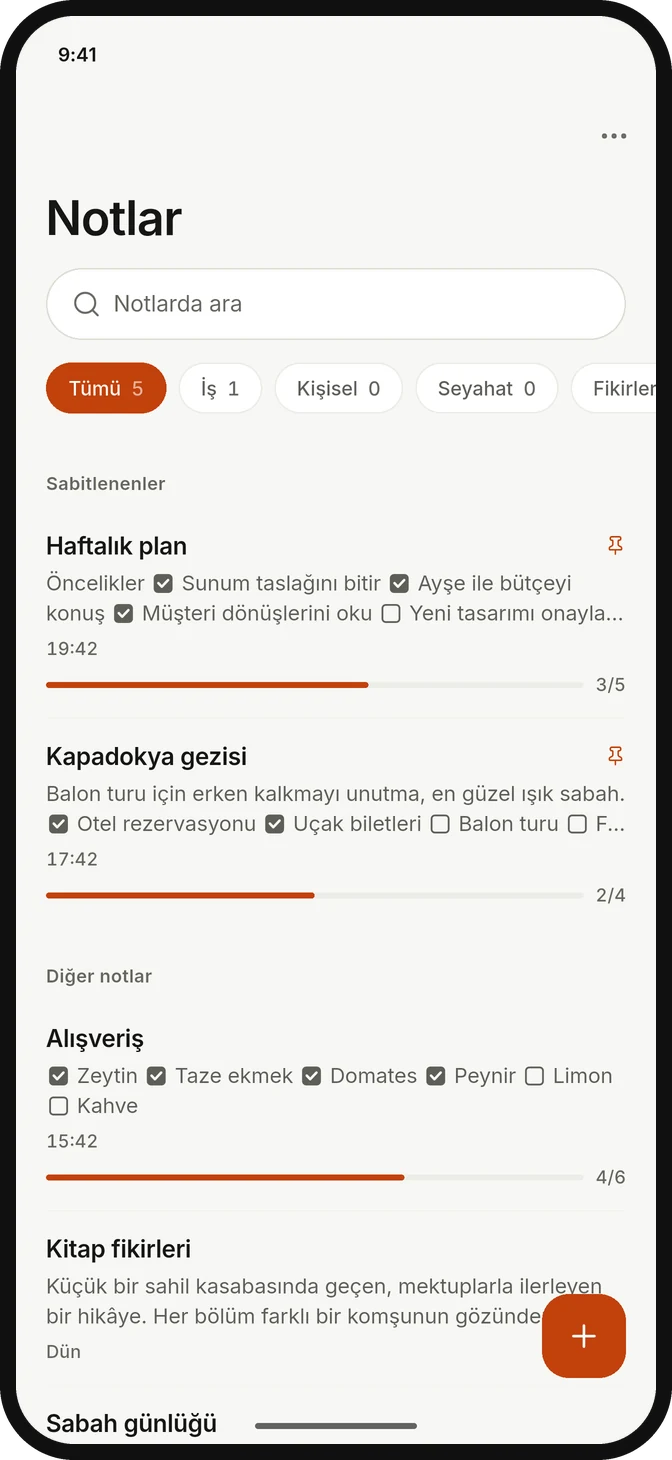
Write, tick off, finish.
A new note opens ready to type and saves itself. Headings, lists and checklists are one tap away, and your progress shows right in the notes list.
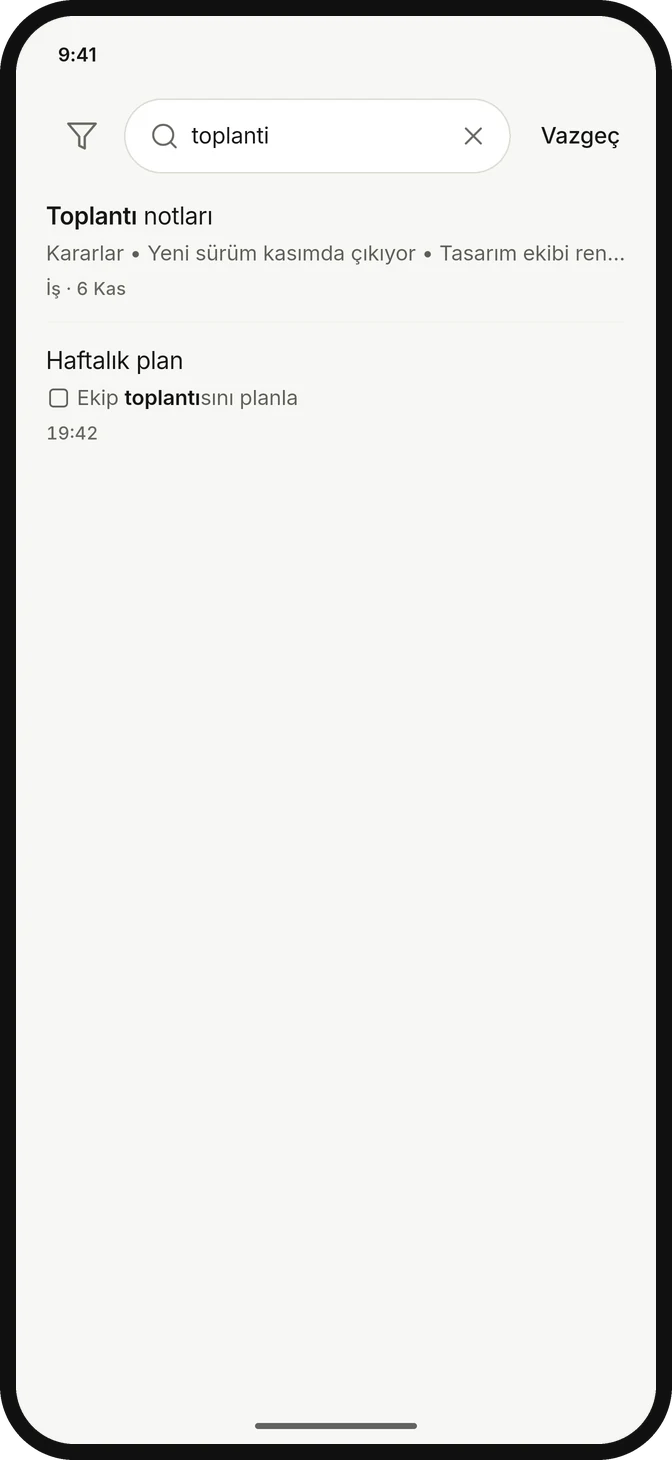
Find it the moment you need it.
Search titles and content across every folder. Plainly matches Turkish characters naturally, so ışık, isik and IŞIK all find each other.
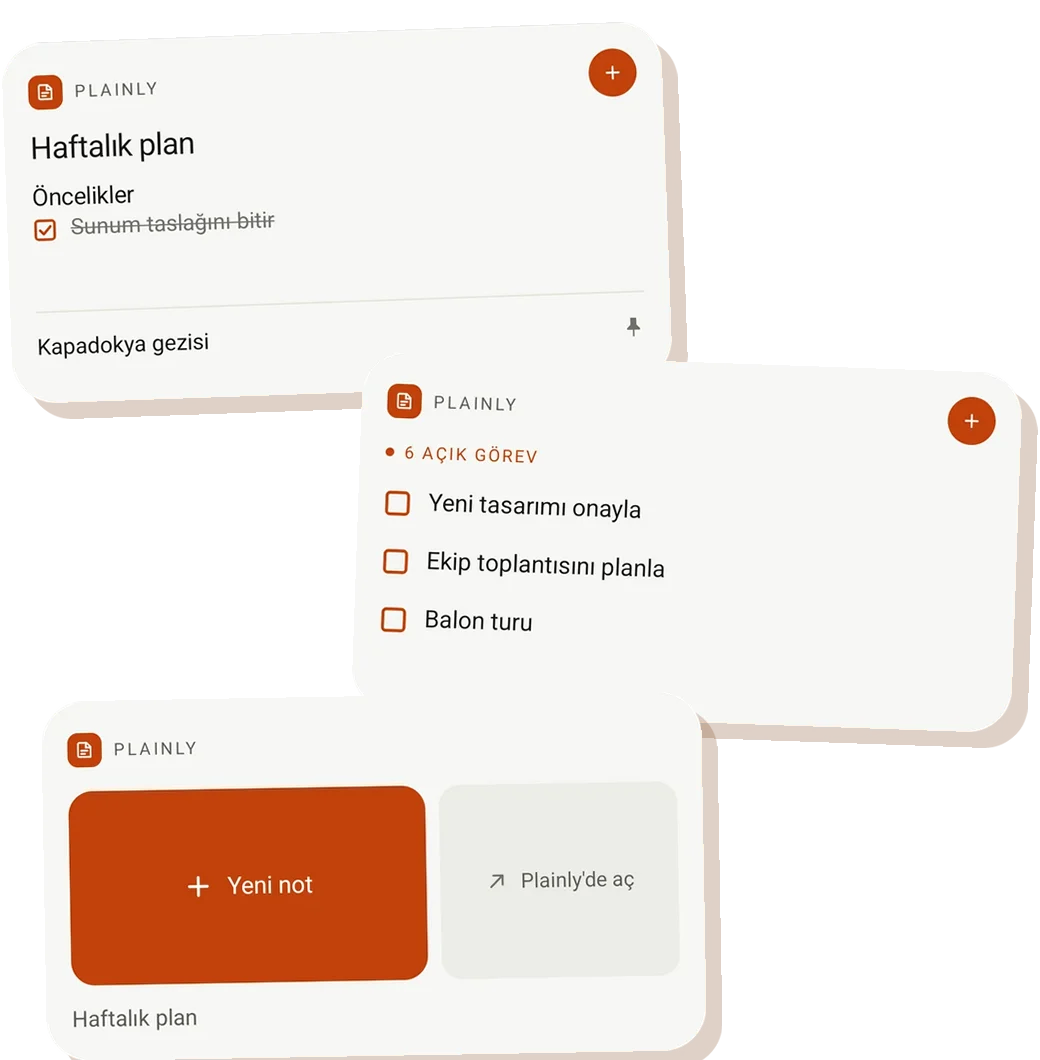
Your notes, on your home screen.
Three widgets keep recent notes and open tasks in view, and take you straight to a new note.
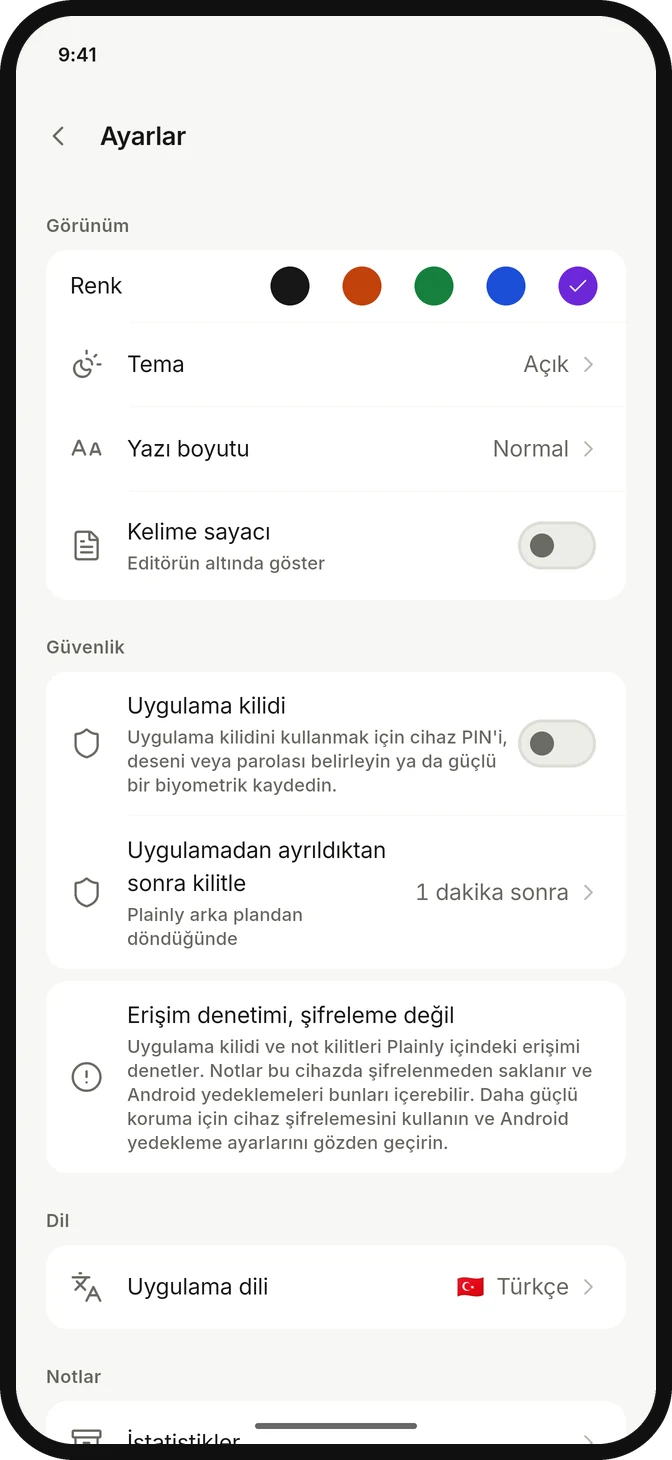
Five colors. One calm app.
Pick a color and the app and widgets follow. Light, dark or system theme, whichever suits your day.
Your notes stay with you.
- No internet permission. Plainly cannot connect to any server.
- No account, ads or analytics. Nothing to sign up for, nothing watching.
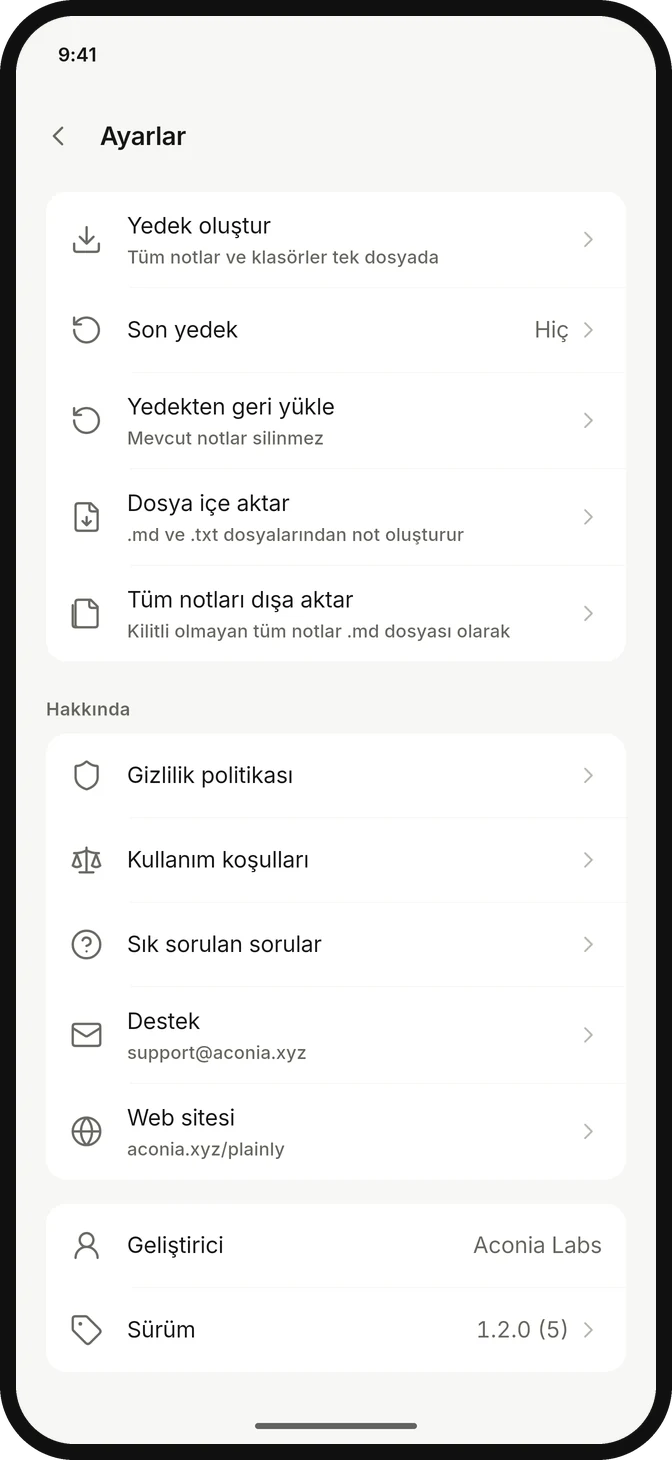
- One-file backup. Notes, folders, photos and templates, ready for a new phone.
- App and note lock. Use your fingerprint, face or device lock to control access.
And the details that matter
Templates
Meetings, journals, shopping, weekly plans, or your own.
Photos in notes
Add pictures right where they belong.
Folders and pins
Group notes and keep important ones on top.
PDF, Markdown, text
Save or share any note in the format you need.
30-day trash
Deleted notes wait for 30 days before they go.
Import and capture
Bring in .md and .txt files, or send text and images from other apps.
Interface shown in Turkish. Plainly is also available in English, Spanish, Portuguese (Brazil), German, Arabic, Japanese and Korean.
Good questions
Is Plainly free?
Yes. Plainly is free, with no ads, subscriptions or in-app purchases.
Does Plainly need an internet connection?
No. Plainly does not request internet permission and works fully offline, including in airplane mode.
Can I move my notes to a new phone?
Yes. Create a backup in Settings, then restore that single file on your new phone or after reinstalling the app.